EazLink guide
Zambia Smart Invoice ERP integration
How businesses and ERP partners should think about connecting sales data, branch receipts, and finance proof for Zambia Smart Invoice rollouts.
Short answer
Zambia Smart Invoice ERP integration should connect sales data to the fiscal process while keeping receipt proof, document status, branch readiness, and finance review visible. The ERP should not become the only place where country-specific fiscal work lives.
What to remember
- Start with the ERP fields, but do not stop there. Branch receipt flow matters too.
- The project should define what happens to accepted, rejected, queued, and retried documents.
- Partners need a repeatable onboarding path for customers using different ERPs or POS systems.
- EazLink can sit between existing sales systems and the Zambia fiscal path.
What teams usually underestimate
A Zambia rollout can look simple when the discussion stays inside the ERP. Send the invoice, get a response, store the proof. The difficulty starts when the business adds branches, POS receipts, corrections, rejected documents, or month-end review.
Finance may care about invoice proof. A store cares about whether the receipt can be handed to the customer. A partner cares about whether the customer setup can be repeated without custom work each time.
The data flow to design
The ERP or POS needs a clear path to send sales into the fiscal process. EazLink can receive the sale, prepare it for the country path, track status, and keep proof attached to the document history.
This helps the ERP avoid becoming a pile of country-specific logic. It also helps finance and support see the same document trail.
- Sales source: ERP invoice, POS receipt, ecommerce order, or branch tool.
- Fiscal status: received, waiting, confirmed, rejected, or retrying.
- Proof: receipt number, response, document history, and audit record.
- Support view: why the document is blocked and what happens next.
Partner delivery angle
ERP partners need more than a one-off connector. They need a way to explain the rollout, collect the right setup data, test sample transactions, handle exceptions, and support the customer after go-live.
A fiscal middleware layer makes that delivery easier because the partner can reuse the same operating model across customers.
Where EazLink fits
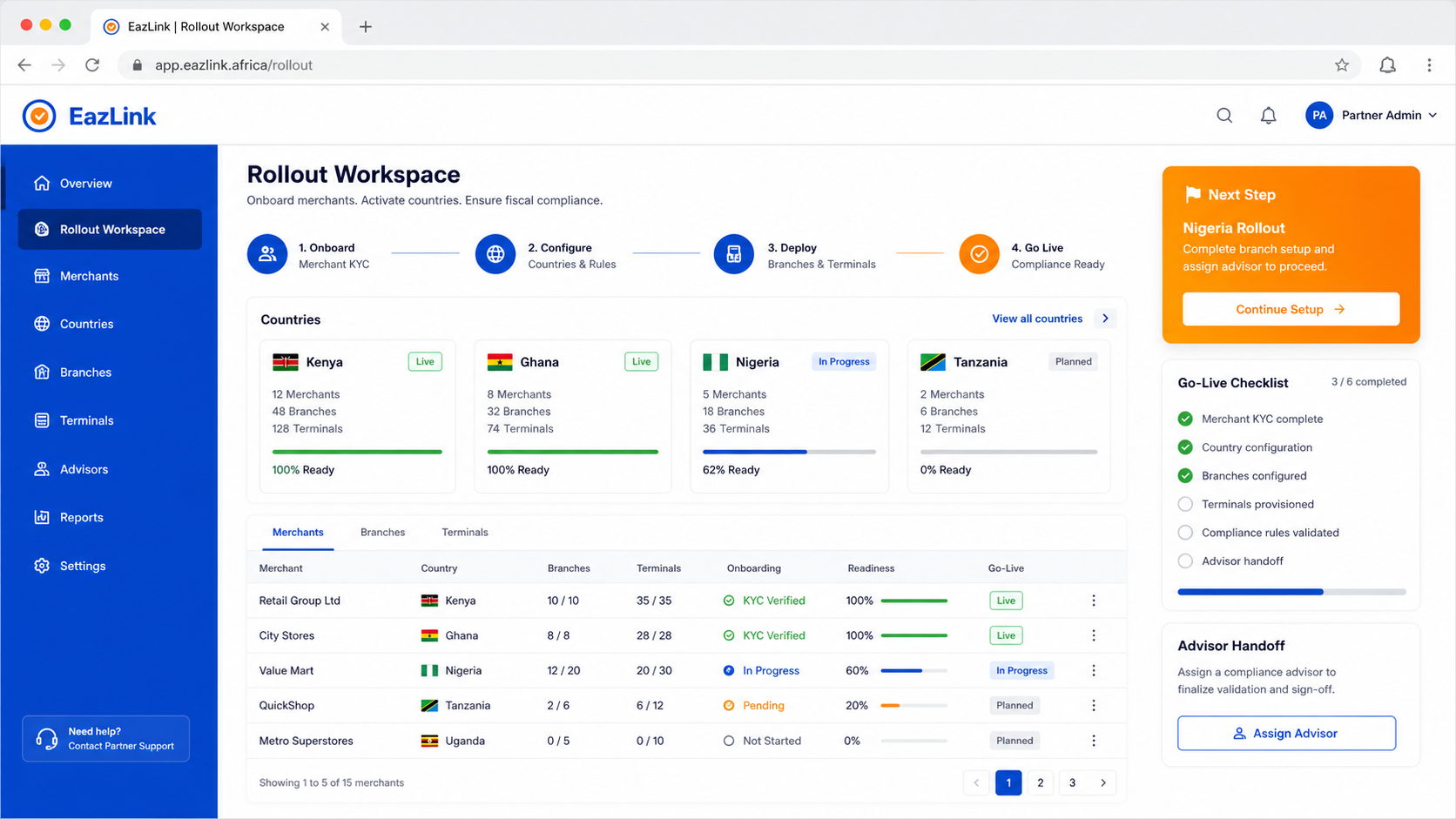
EazLink gives Zambia-focused teams a fiscal layer between sales systems and the country workflow. It helps keep status, receipt proof, branch readiness, and partner support in one place.
That is useful for businesses entering Zambia and for partners serving several customers with different systems.
Zambia rollout checklist
- Collect sample invoices and receipt cases before integration starts.
- Map ERP fields to the fiscal data the country path needs.
- Decide how POS and branch receipts will be handled.
- Test rejected and queued documents before you trust the successful ones.
- Give finance a proof review process before go-live.
Quick questions
Can EazLink connect Zambia requirements to an existing ERP?
EazLink is designed to sit between existing ERP/POS systems and country fiscal workflows, including Zambia-oriented rollout paths.
Does the ERP need a complete rebuild?
The aim is to avoid that. EazLink lets the ERP send sales through a fiscal layer rather than forcing the ERP to carry the whole country workflow.
Can partners use the same approach for several Zambia customers?
Yes. That is one reason to use a middleware layer. The partner can repeat the onboarding and support pattern even when customer systems differ.