EazLink guide
Offline fiscal hardware for retail branches
What branch teams, dealers, and regional operators should know when weak connectivity can interrupt fiscal receipts at the counter.
Short answer
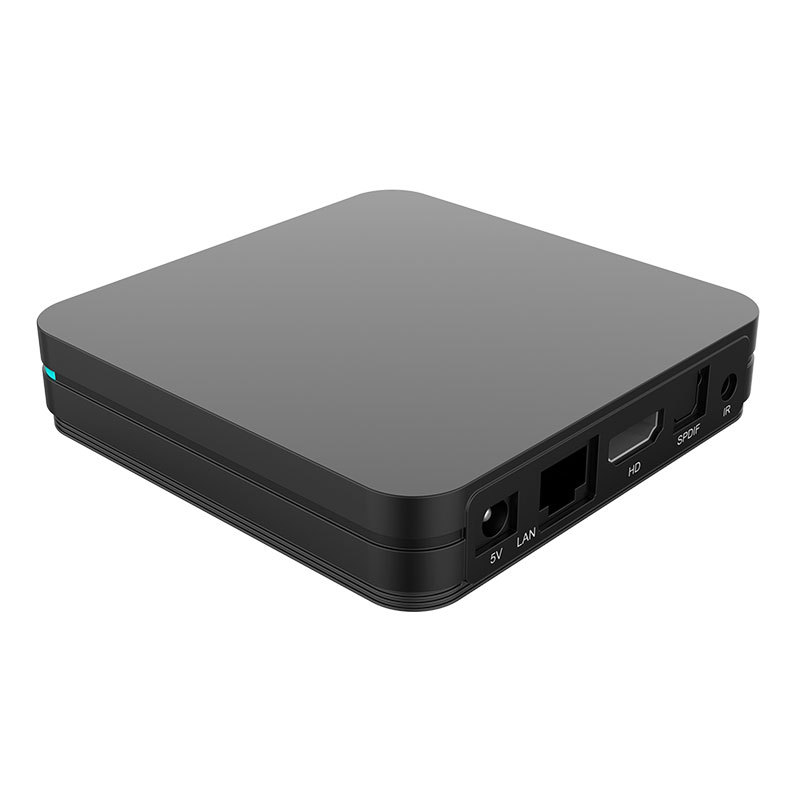
Offline fiscal hardware is a local branch device that keeps fiscal work close to the POS. It can hold branch settings, protect certificate and signing work, store pending sales locally, and sync proof when connectivity returns.
What to remember
- A branch device is useful when fiscal proof must survive weak networks and busy checkout conditions.
- Hardware should reduce branch fragility, not create another black box.
- Dealers need device status, queue status, and certificate health in plain language.
- EazLink Hardware works with the cloud layer so stores get local continuity and head office still gets visibility.
The branch problem
Retail branches do not fail in neat ways. The router drops. The tax platform slows down. A certificate expires. A cashier is trying to serve a customer while finance asks why yesterday's receipts are missing.
If every fiscal action depends on a clean internet path and a healthy checkout PC, the branch carries too much risk. A local device gives the store a more controlled place to protect the fiscal work.
What the device should do
The device should keep certificate-related work close to the branch, store pending transactions before acknowledging the sales system, and preserve enough proof for later review. It should also make support easier. A dealer should be able to see whether the issue is power, network, queue depth, certificate status, or a tax authority response.
That is very different from selling hardware as a shiny box. The point is operational continuity.
- Local persistence before the sale is treated as safely received.
- Branch settings and certificate handling near the POS.
- Queue status and retry history for support teams.
- A secure operating environment that is easier to control than a shared checkout PC.
When software alone may be enough
Some branches have stable connectivity, clean desktop environments, and simple volumes. A software-only setup may be enough there.
Hardware becomes more attractive when branches are far from IT support, connectivity varies during the sales day, or dealers need a standard install they can explain and support quickly.
Where EazLink fits
EazLink Hardware is not separate from the product story. The branch gets local continuity. Head office still sees status and proof. Dealers get a support view they can use with customers.
That mix is the reason hardware matters: the counter keeps moving without leaving finance blind.
When to consider hardware
- Branches lose internet during business hours.
- Fiscal certificates or signing steps are sensitive enough to keep closer to the branch.
- The POS machine is shared, old, locked down, or hard for partners to support.
- The business wants dealers to install a repeatable branch package.
- Head office needs visibility even when the branch works offline for part of the day.
Quick questions
Does hardware replace EazLink cloud?
No. Hardware supports local branch continuity. The cloud layer still helps with visibility, onboarding, partner support, and proof history.
Can the hardware work with ERP and POS systems?
Yes. It is designed for branch rollouts where ERP, POS, and local sales systems need a more dependable fiscal path.
What should dealers ask before selling hardware?
Ask about branch count, network quality, receipt timing, certificate handling, local IT access, and who will support the device after go-live.